


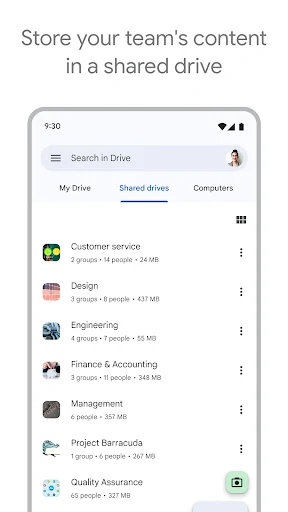
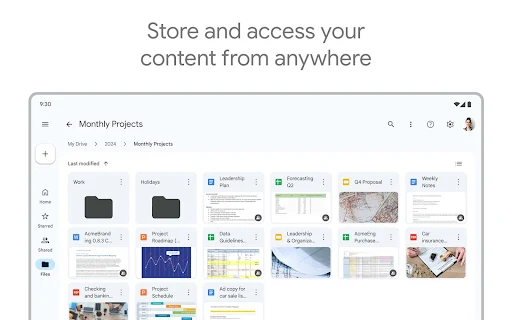
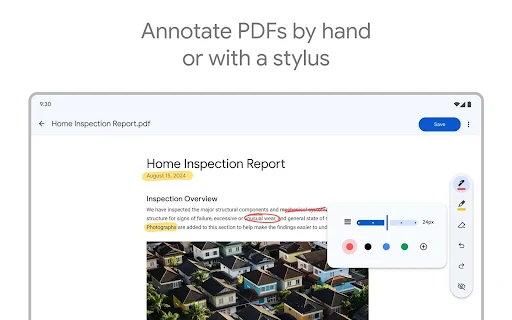
Google Drive provides a seamless cloud storage solution for Android users to securely store, access, and manage files from anywhere. This powerful app eliminates the worry of losing important documents, photos, and videos by keeping them safe and synchronized across all your devices. It is an essential tool for students, professionals, and anyone needing reliable and instant access to their digital life on the go.
Effortless File Organization
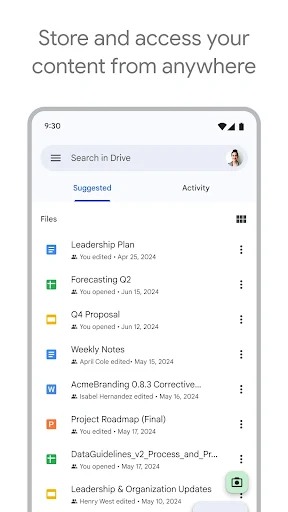
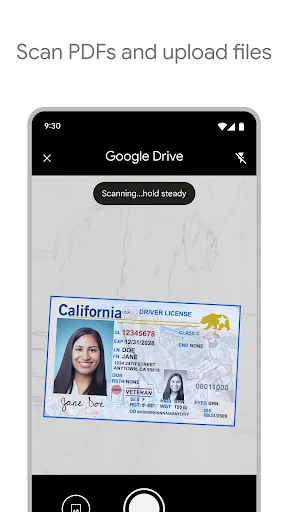
Keeping your digital workspace tidy is straightforward with Google Drive. You can create folders, color-code them for quick identification, and move files with simple drag-and-drop gestures. The powerful search function even locates text within images and scanned documents, saving you valuable time when you need to find something specific quickly.
Real-Time Document Collaboration
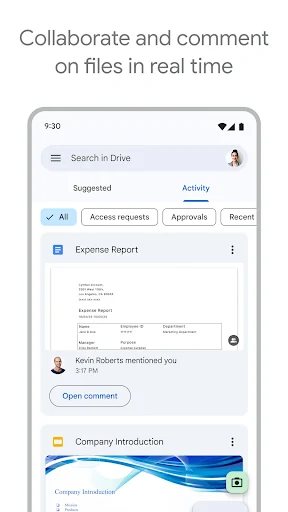
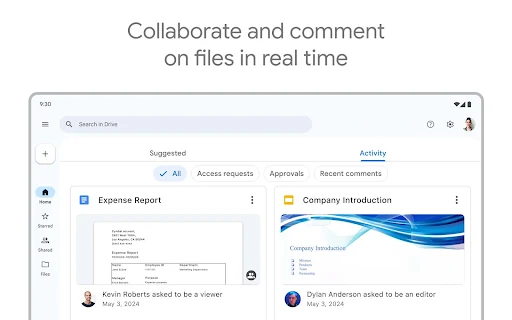
Work on documents, spreadsheets, and presentations simultaneously with colleagues or classmates directly within the app. You can see edits as they happen, leave comments for feedback, and assign tasks to streamline group projects. This feature turns your mobile device into a portable office, enabling productive teamwork from any location.
Robust Security and Access Control
Your files are protected with Google’s advanced security infrastructure. You have complete control over who can view, comment, or edit your shared files and folders. For sensitive documents, an extra layer of security is available by requiring a password for access, even for users with the direct link.
Powerful Integrated Search Tool
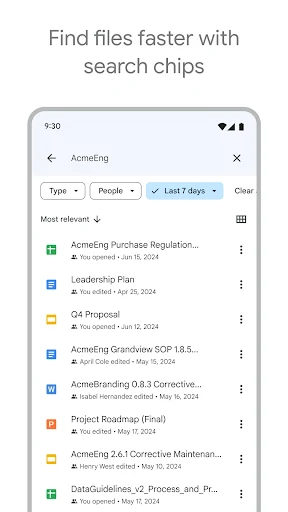
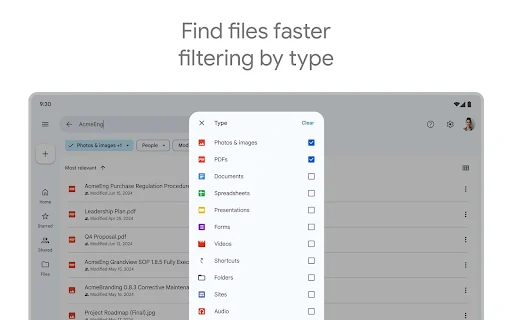
Find any file in an instant using the intelligent search capability. The technology goes beyond filenames to recognize objects and text within your photos and PDFs. Simply type a query like budget spreadsheet or receipt from August to get immediate, accurate results from your entire Drive collection.
Automatic Photo and Video Backup
Never lose a precious memory by enabling the automatic backup for your camera roll. The app can be set to upload your photos and videos to a dedicated folder in Drive whenever you connect to Wi-Fi. This ensures your media is safely stored in the cloud, freeing up space on your phone without any manual effort.
Offline Access to Critical Files
Prepare for travel or areas with poor connectivity by making your important files available offline. You can select documents, presentations, and even entire folders to be accessible without an internet connection. Any changes you make will automatically sync the next time your device goes online.
Frequently Asked Questions
Yes, your files are stored securely in Google’s data centers and are protected by robust security measures. You also maintain control over your sharing settings, deciding exactly who can access your content.
You can select specific files and folders to be available offline. The app downloads them to your device, allowing you to view and edit them without an internet connection. All changes are synchronized once you are back online.
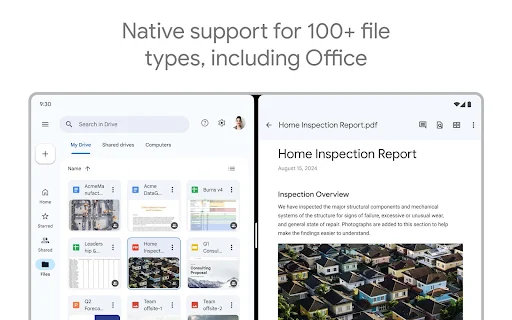
Yes, you can view and edit Microsoft Word, Excel, and PowerPoint files directly within Google Drive. The app seamlessly converts them to Google’s compatible format for editing and allows you to save them back to their original format.
The app provides 15 GB of free storage shared across Google Drive, Gmail, and Google Photos. If you need more space, you can subscribe to a Google One plan for additional storage and enhanced features.





Leave a Comment